Your How to get username and password windows images are ready in this website. How to get username and password windows are a topic that is being searched for and liked by netizens now. You can Download the How to get username and password windows files here. Find and Download all royalty-free photos.
If you’re searching for how to get username and password windows images information connected with to the how to get username and password windows keyword, you have visit the right site. Our site frequently gives you suggestions for seeing the maximum quality video and image content, please kindly search and find more informative video articles and graphics that match your interests.
How To Get Username And Password Windows. If you want to change the domain password for the user account that is specified in the User name box click Change. Free Password Keeper Printable There is also a horizontal Username and Password list on my How to Organize Your Bills post. After that If you want to disable user authentication then set it to. At this point you need to do a flush to apply changes.
 How To Bypass Windows 10 8 7 Local Administrator Password Windows 10 Computer Password Windows From pinterest.com
You may have to click the arrow near More details. The password hashes are stored in the binary file CWindowsSystem32ConfigSAM and you can run the freeware Ophcrack to extract the password hashes the easy way. Shortcuts with Windows Win key every Windows 10 user should know. Type the following in the Run box. Login screen appears upon successful login. Double-click the Users and Password icon.
There are 4 versions included in the one file.
Here you have to enter net user and then press enter key. Run update password of the target user for my example username is mousavi and its password must be 123456. Open an elevated command prompt. There are 4 versions included in the one file. The password hashes are stored in the binary file CWindowsSystem32ConfigSAM and you can run the freeware Ophcrack to extract the password hashes the easy way. In the new menu select the.
Source: pinterest.com
At this point you need to do a flush to apply changes. Run update password of the target user for my example username is mousavi and its password must be 123456. You can also search for Task Manager in the Start menu. You can find out your username by going to a command prompt and typing. Here you have to enter net user and then press enter key.
 Source: pinterest.com
There is no Windows API to get a users password as passwords arent stored in Windows. If youre using Windows 10 or 8 you can use Mimikatz to reveal the cached passwords in plain text only when you have enabled PIN or picture logon. A command prompt is the easiest solution to get Windows 10 password. Type the following in the Run box. If youve forgotten or lost your Windows 10 password for a local account and need to sign back in to your device the below options might help you get up and running.
 Source: pinterest.com
After that If you want to disable user authentication then set it to. Net user username password. In the new menu select the. Im pretty sure your password is emptyblank because otherwise it would prompt you. If you forgot your username then you can simply goto the path CWindowsSystem32configsystemprofileAppDataLocal and find USER folder.
 Source: pinterest.com
You can get the current Windows user name but you cannot get the password. It is not guaranteed to be the user running the current process however. For example if the Windows account is. For this you can give a try using ADSI Active Directory Services Interface object ADSI provides LDAP WinNT NDS. UPDATE mysqluser SET authentication_stringPASSWORD 123456 WHERE usermousavi.
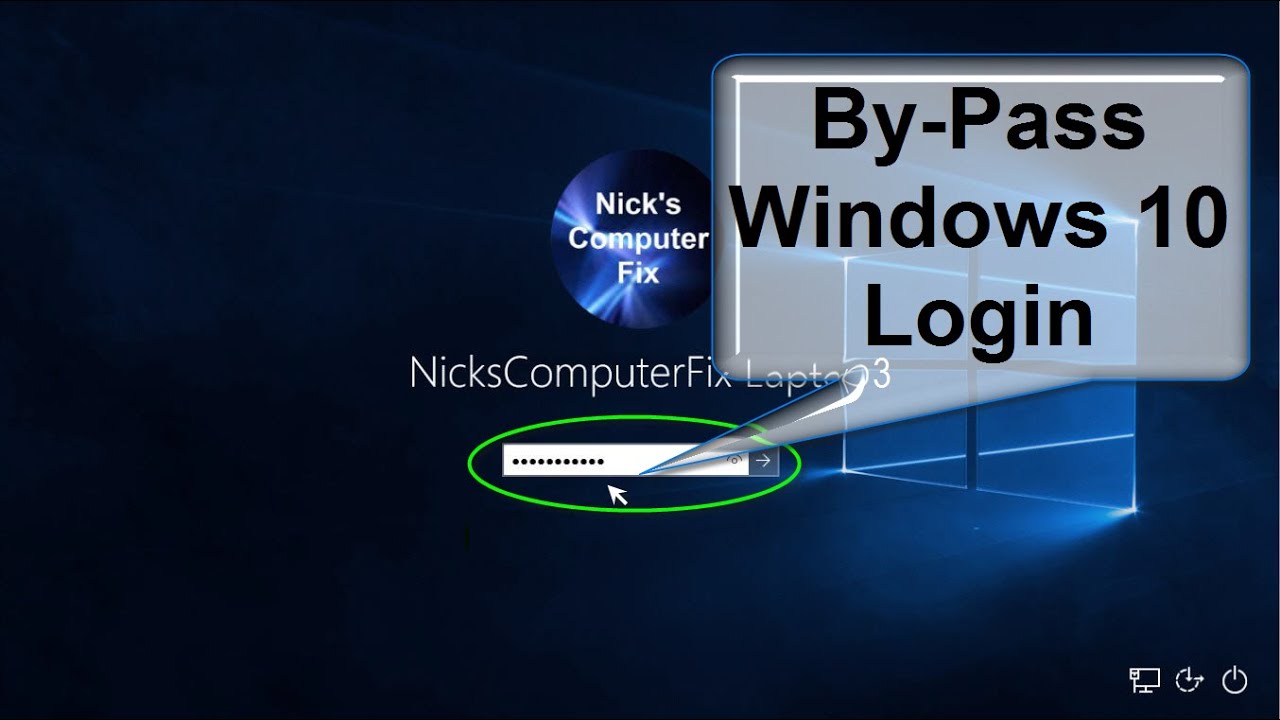 Source: pinterest.com
Now there is another alternative where you can use the Registry Editor to locate the username and passwords on Windows. Hold down the Ctrl and Alt keys on your keyboard and press the Delete key once. You can change a Windows account password through the Windows command line interface by following the steps below. If you want to keep a log of username and passwords handy print off this free password keeper printable and put it next to your computer. If you forgot your username then you can simply goto the path CWindowsSystem32configsystemprofileAppDataLocal and find USER folder.
 Source: pinterest.com
After that If you want to disable user authentication then set it to. If you want to change the domain password for the user account that is specified in the User name box click Change. Weve posted quite a few articles on how to get into Windows without knowing any users account password. C set USERNAME and it will print something like. But the only thing is it is used to find the password of guest users.
 Source: pinterest.com
There is no Windows API to get a users password as passwords arent stored in Windows. In the new menu select the. If you want to change the domain password for the user account that is specified in the User name box click Change. Type net user password and press Enter key. Shortcuts with Windows Win key every Windows 10 user should know.
 Source: sk.pinterest.com
Theres the wonderful password bypass tool Kon-Boot and a number of password resetting tools like PCLoginNow or Offline Windows Password EditorThen theres the hack to get into XP without changing the passwordHeres another method which allows you to crack the. After that If you want to disable user authentication then set it to. Here you will get configxml file that file is having username. Here you have to enter net user and then press enter key. Now there is another alternative where you can use the Registry Editor to locate the username and passwords on Windows.
 Source: pinterest.com
How To Change Login Windows 10 Post Last Updated On March 28 2021 256 am Link of How To Change Login Windows 10 page is given below. Administrative accounts see Create a local user or administrator account in Windows 10. Im pretty sure your password is emptyblank because otherwise it would prompt you. Type net user password and press Enter key. Alternatively you can get the logged in user name via the EnvironmentUserName property.
 Source: pinterest.com
Now there is another alternative where you can use the Registry Editor to locate the username and passwords on Windows. USERNAMEAdministrator thats your logged in username. Make sure Users must enter a user and password to use this computer is checked. Here you have to enter net user and then press enter key. If youre using a public computer Internet Explorer will.
 Source: pinterest.com
Here you will get configxml file that file is having username. You can find out your username by going to a command prompt and typing. Im pretty sure your password is emptyblank because otherwise it would prompt you. If youre using a public computer Internet Explorer will. Alternatively you can get the logged in user name via the EnvironmentUserName property.
 Source: pinterest.com
Double-click the Users and Password icon. Net user username password. Here you will see all the user accounts linked to your PC. There are 4 versions included in the one file. Now there is another alternative where you can use the Registry Editor to locate the username and passwords on Windows.
 Source: hu.pinterest.com
Net user username password. Here you need to replace with your name displayed on user account list and password with the password you wish to reset. For that firstly turn on your computer and from the desktop main screen press Windows R key combination and type in regedit command in the Run dialogue box and hit Enter. See screenshot to make this more. Enter the Windows account name for username and enter the new password for password.
 Source: pinterest.com
Here you have to enter net user and then press enter key. Here you will see all the user accounts linked to your PC. UPDATE mysqluser SET authentication_stringPASSWORD 123456 WHERE usermousavi. To turn off password saving clear the User names and passwords on forms check box. Login using your username and password.
 Source: pinterest.com
Login using your username and password. I have researched a lot for the perfect steps and now you just need to get relax and follow some simple instructions. Double-click the Users and Password icon. You can find out your username by going to a command prompt and typing. Hold down the Ctrl and Alt keys on your keyboard and press the Delete key once.
 Source: pinterest.com
You can change a Windows account password through the Windows command line interface by following the steps below. You can find out your username by going to a command prompt and typing. Double-click the Users and Password icon. Here you will get configxml file that file is having username. Login screen appears upon successful login.
 Source: pinterest.com
You can also search for Task Manager in the Start menu. Double-click the Users and Password icon. To turn off password saving clear the User names and passwords on forms check box. At the prompt type the following command. UPDATE mysqluser SET authentication_stringPASSWORD 123456 WHERE usermousavi.
 Source: pinterest.com
If you want to keep a log of username and passwords handy print off this free password keeper printable and put it next to your computer. For this you can give a try using ADSI Active Directory Services Interface object ADSI provides LDAP WinNT NDS. Here you have to enter net user and then press enter key. If youre using Windows 10 or 8 you can use Mimikatz to reveal the cached passwords in plain text only when you have enabled PIN or picture logon. If you still cant access How To Change Login Windows 10 then see Troublshooting options here.
This site is an open community for users to do submittion their favorite wallpapers on the internet, all images or pictures in this website are for personal wallpaper use only, it is stricly prohibited to use this wallpaper for commercial purposes, if you are the author and find this image is shared without your permission, please kindly raise a DMCA report to Us.
If you find this site beneficial, please support us by sharing this posts to your own social media accounts like Facebook, Instagram and so on or you can also save this blog page with the title how to get username and password windows by using Ctrl + D for devices a laptop with a Windows operating system or Command + D for laptops with an Apple operating system. If you use a smartphone, you can also use the drawer menu of the browser you are using. Whether it’s a Windows, Mac, iOS or Android operating system, you will still be able to bookmark this website.